BOOTABLE MEDIA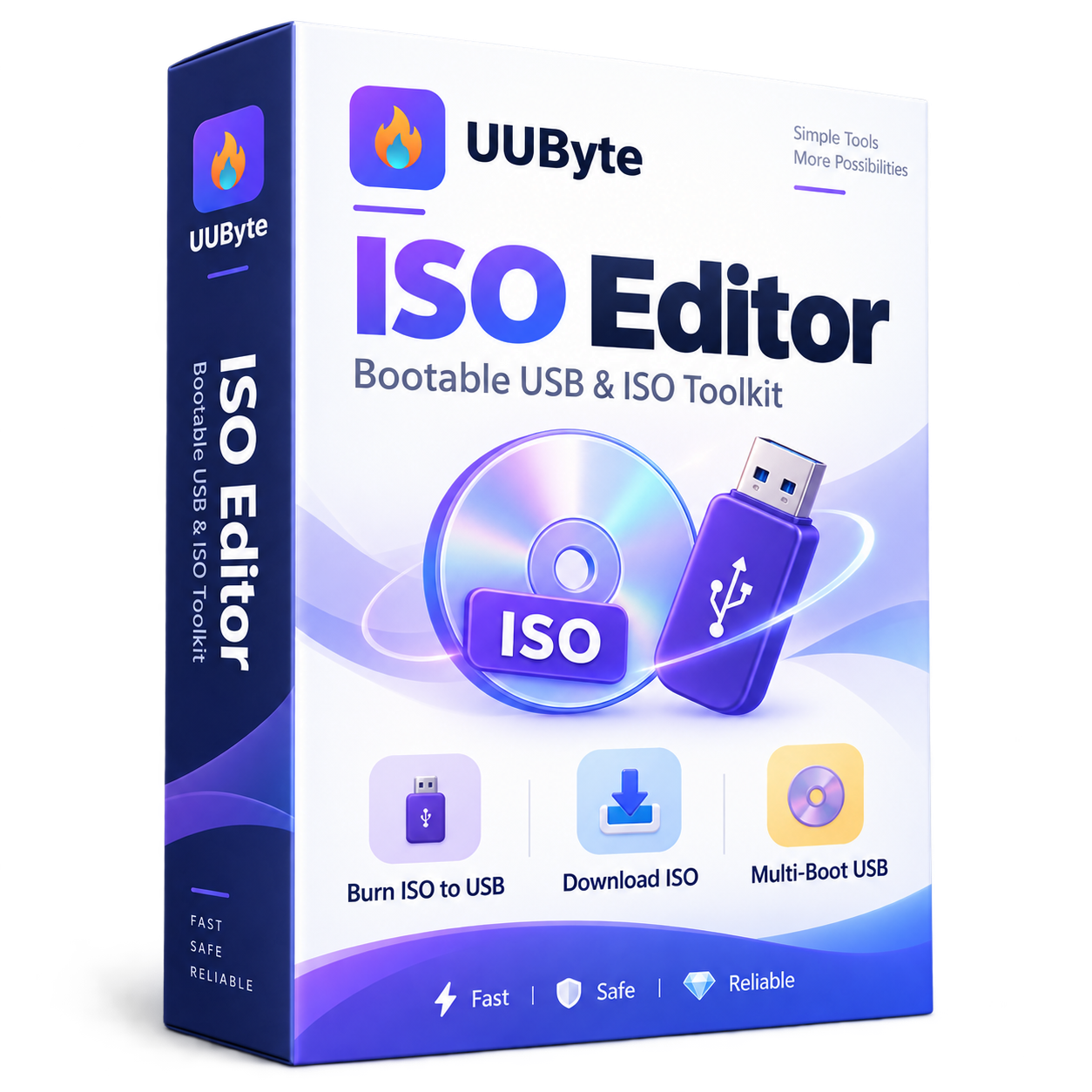
ISO & USB tools
UUByte ISO Editor
Burn, create, extract and edit ISO files to make installation media easier.
WindowsMac
Explore UUByte software for bootable USB drives, encrypted disks, cleaner systems, screenshots, screen recording, and video compression.
Search by task, explore product categories or filter by operating system.
Burn, create, extract and edit ISO files to make installation media easier.
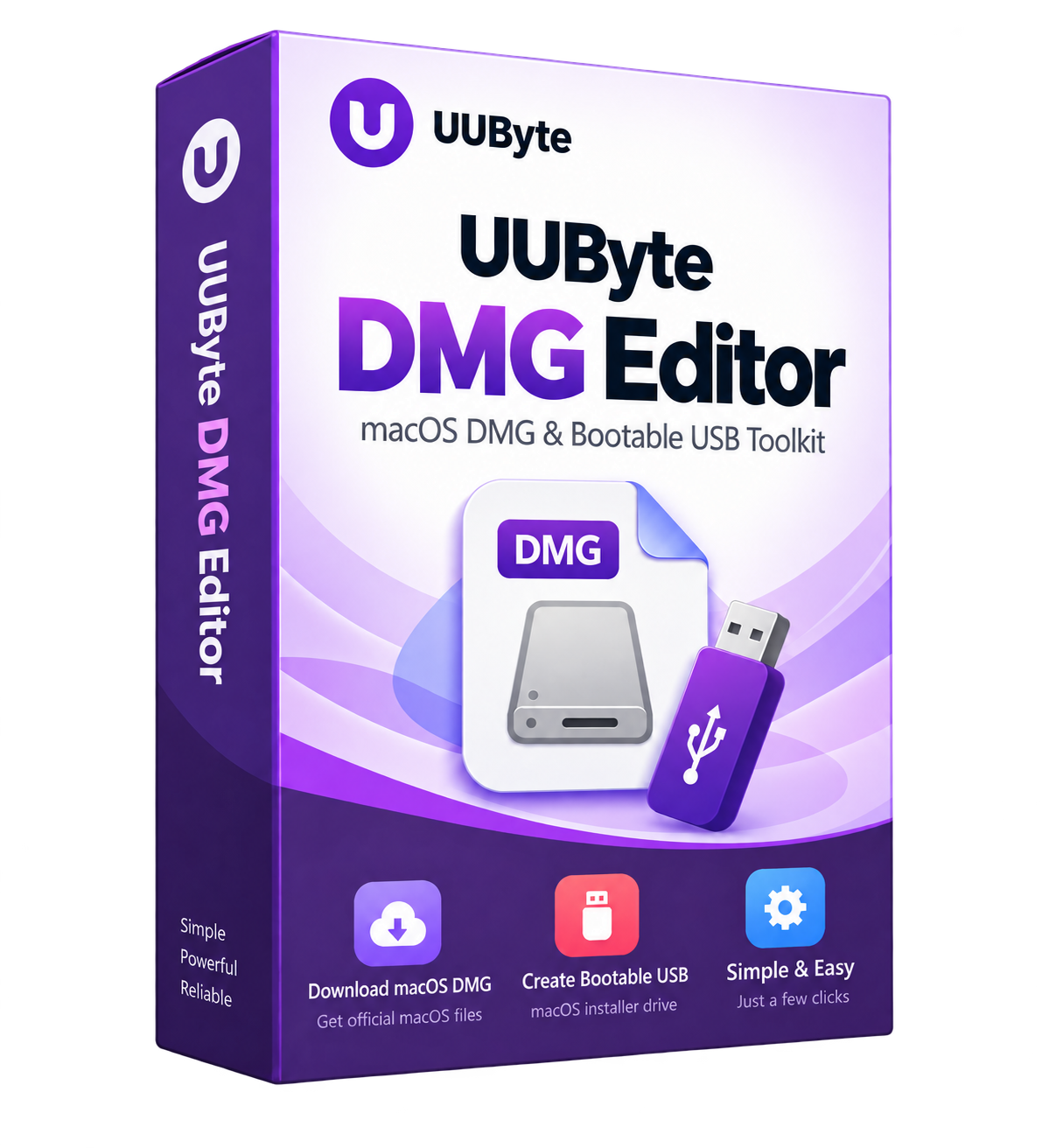
Create bootable macOS USB installers and work with DMG image files.
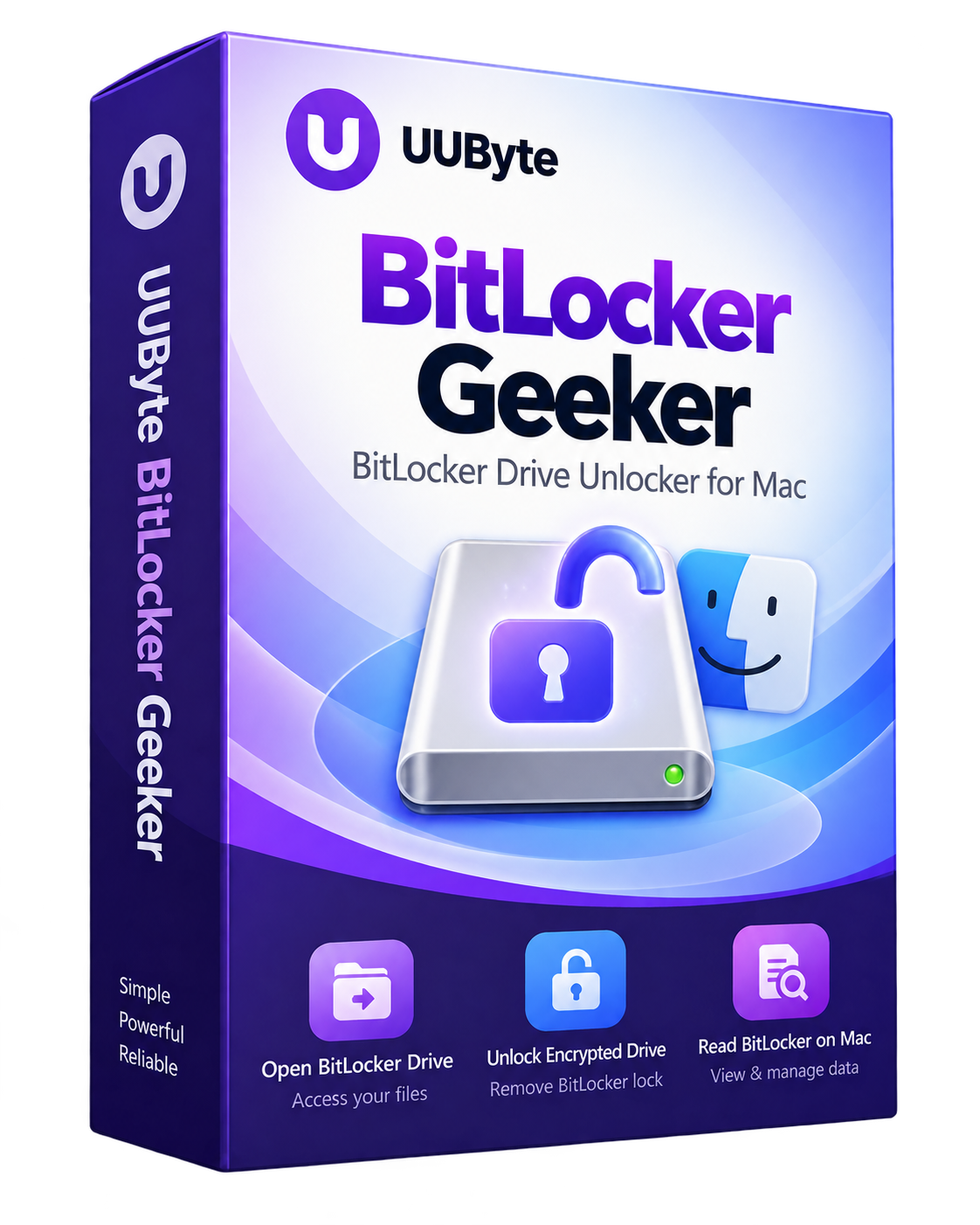
Open BitLocker-encrypted drives on a Mac and access your files.
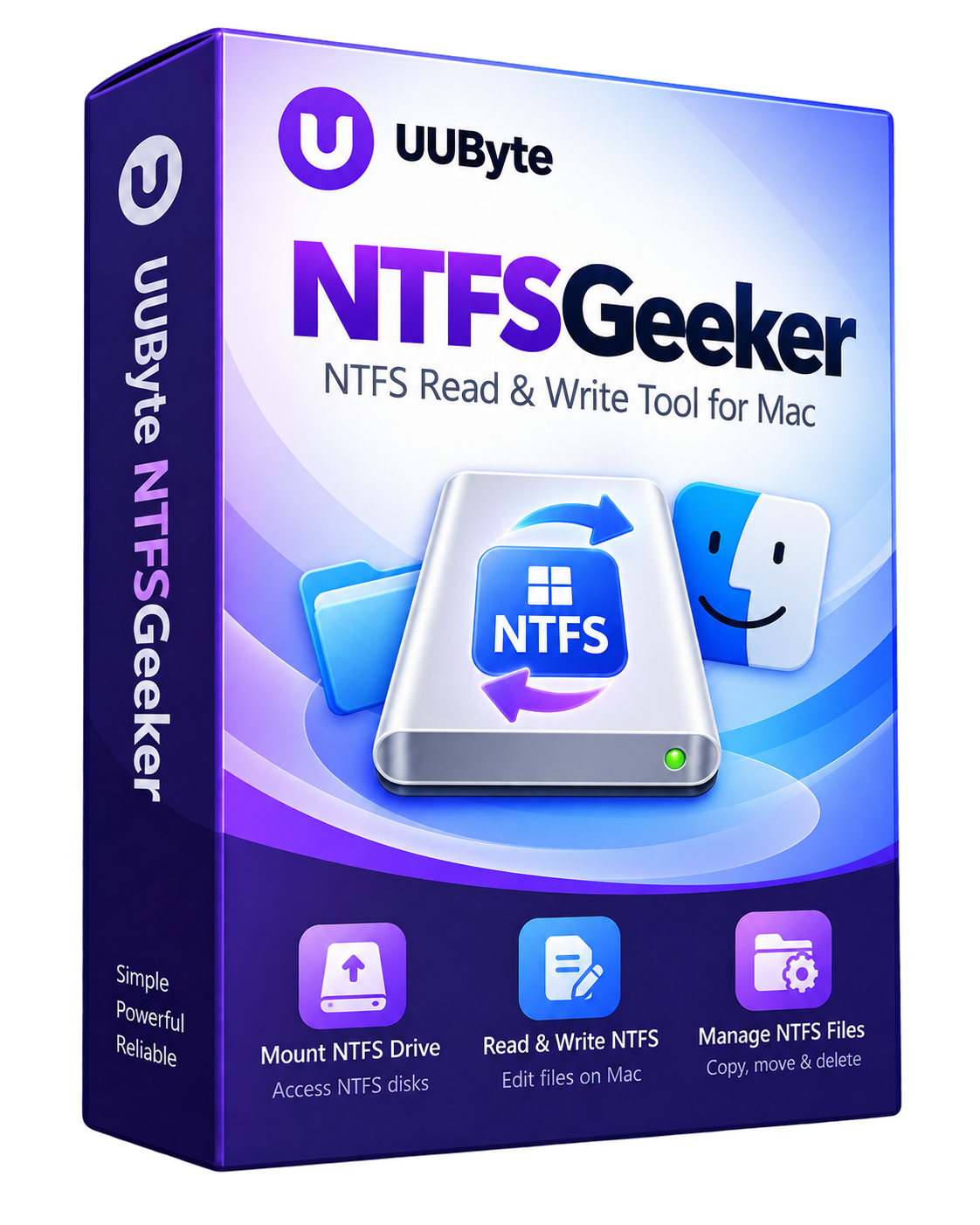
Read and write files on NTFS-formatted drives using your Mac.
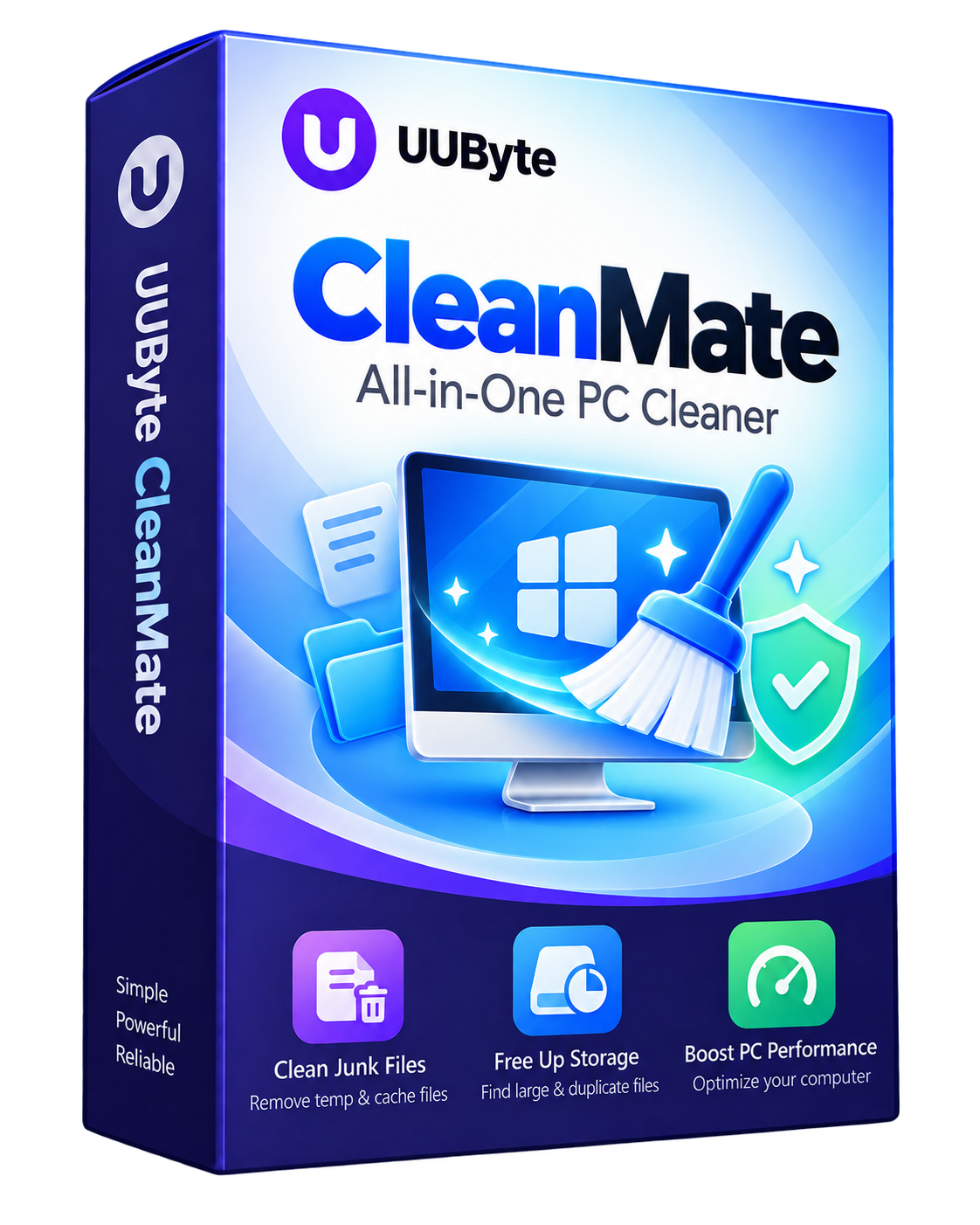
Clean unwanted files and help manage storage and system clutter.
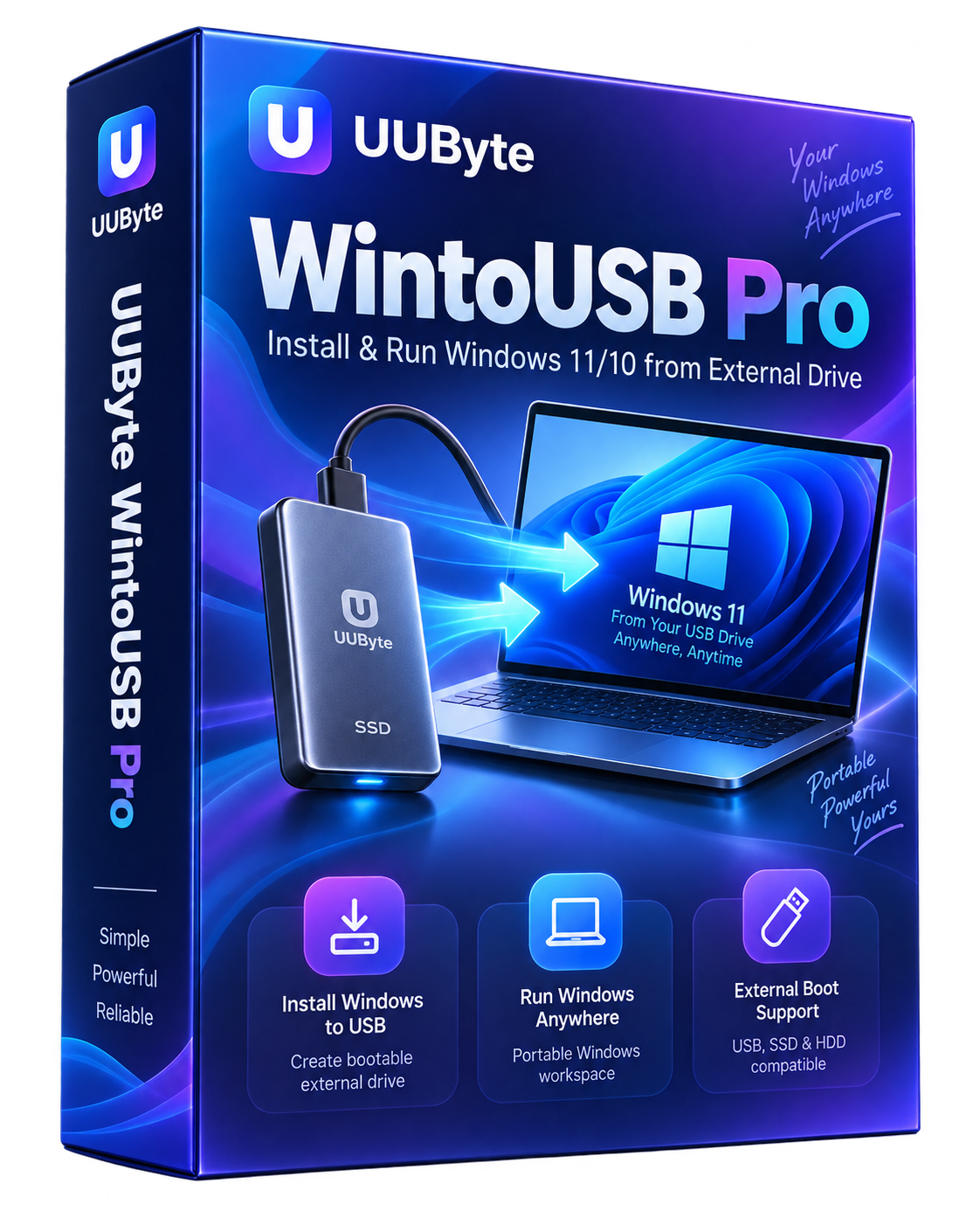
Create a portable Windows installation on an external USB drive.
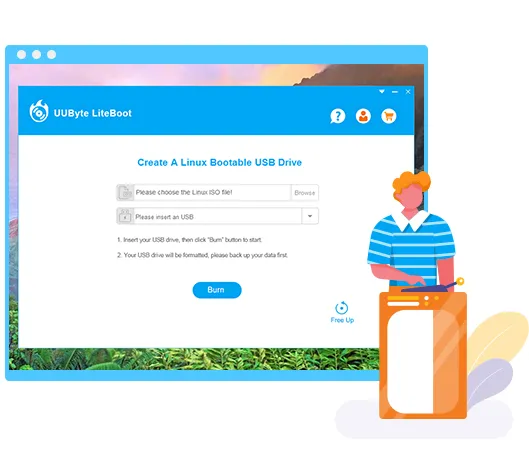 Official product image
Create a bootable Linux USB drive from an ISO image with a simple workflow.
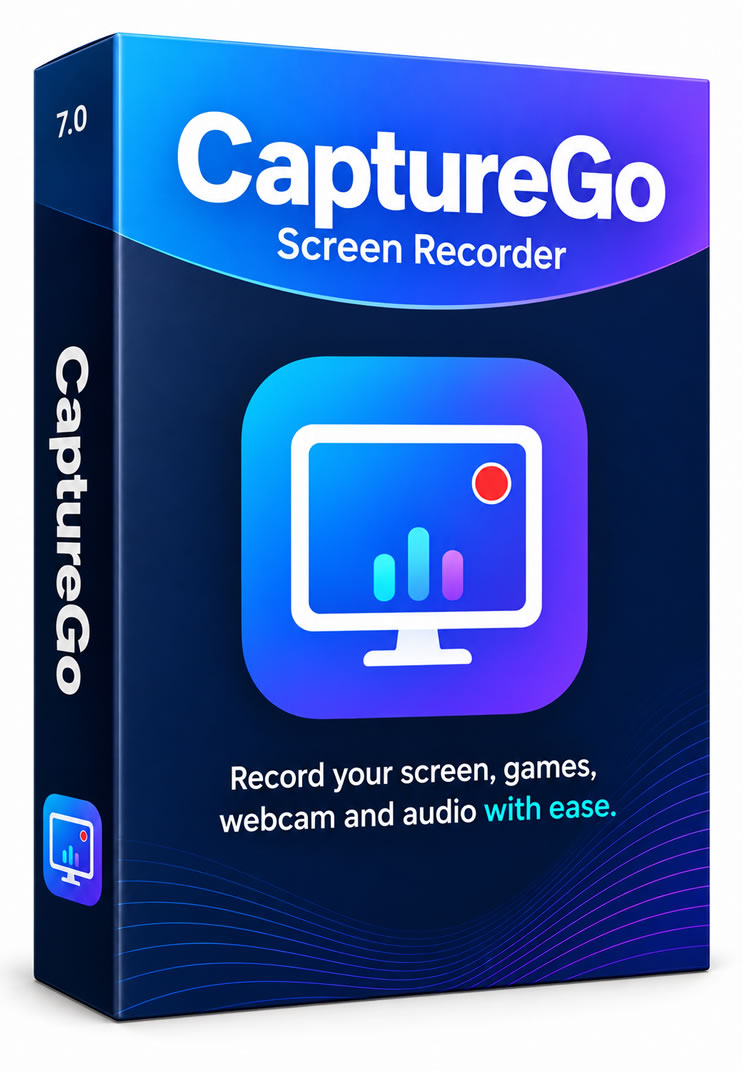
Record your screen, webcam, microphone, and system audio in one desktop app.
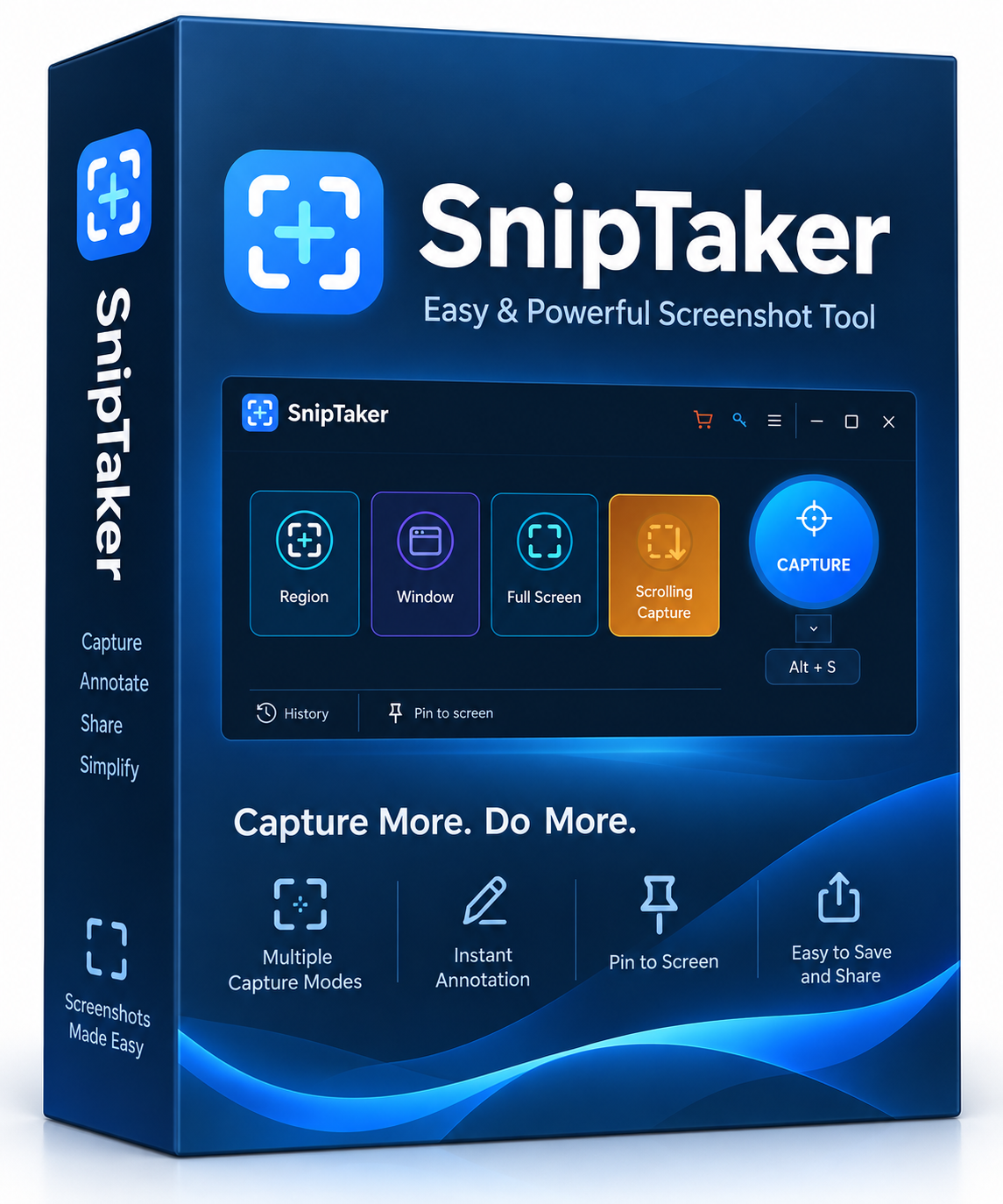
Capture full-screen, custom-area, and scrolling screenshots, then annotate them.
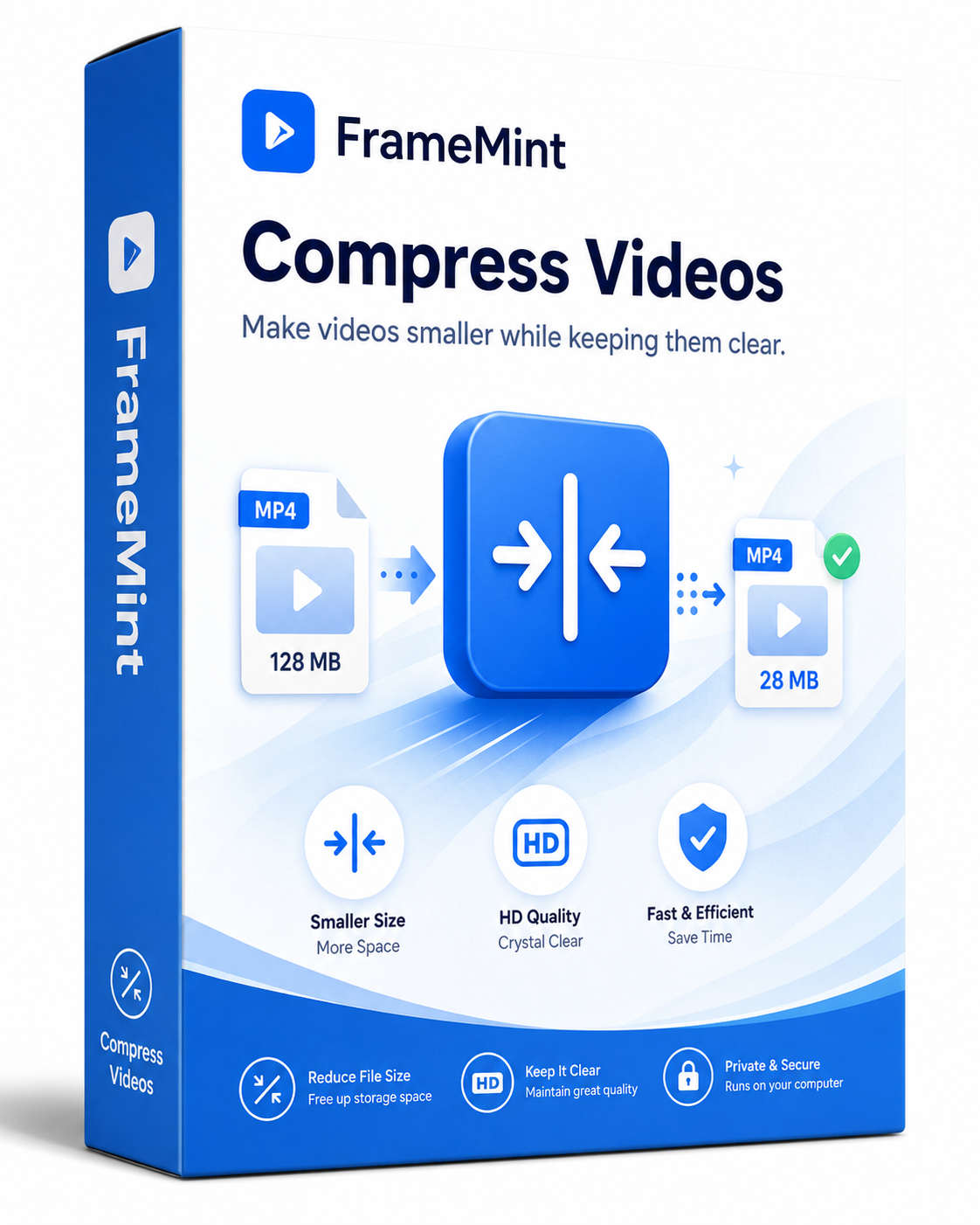
Compress video files to smaller sizes for sharing, storing, and uploading.
Prices shown in USD reflect advertised starting plans at the time of redesign. Final prices, availability, compatibility and taxes are shown on each official purchase page.
Explore what each UUByte app does, visit its full feature page, or compare purchase options when you are ready.
Search product names, use cases, or filter by category to narrow down your choices.
Each card provides a quick summary and a link to product information.
For products with both versions, pricing links match your operating system.
Search for a task, such as ISO, BitLocker, screen recording, or compression. Select Learn more for feature details.
Use the Windows and Mac filters in the product catalog. Verify exact OS versions and system requirements on the product pages.
Trial and download availability varies by product. Visit each product page for the current options.
Choose View pricing on a product card. The UUByte store and purchase pages show available license options.