Best Video Compression Software for PC

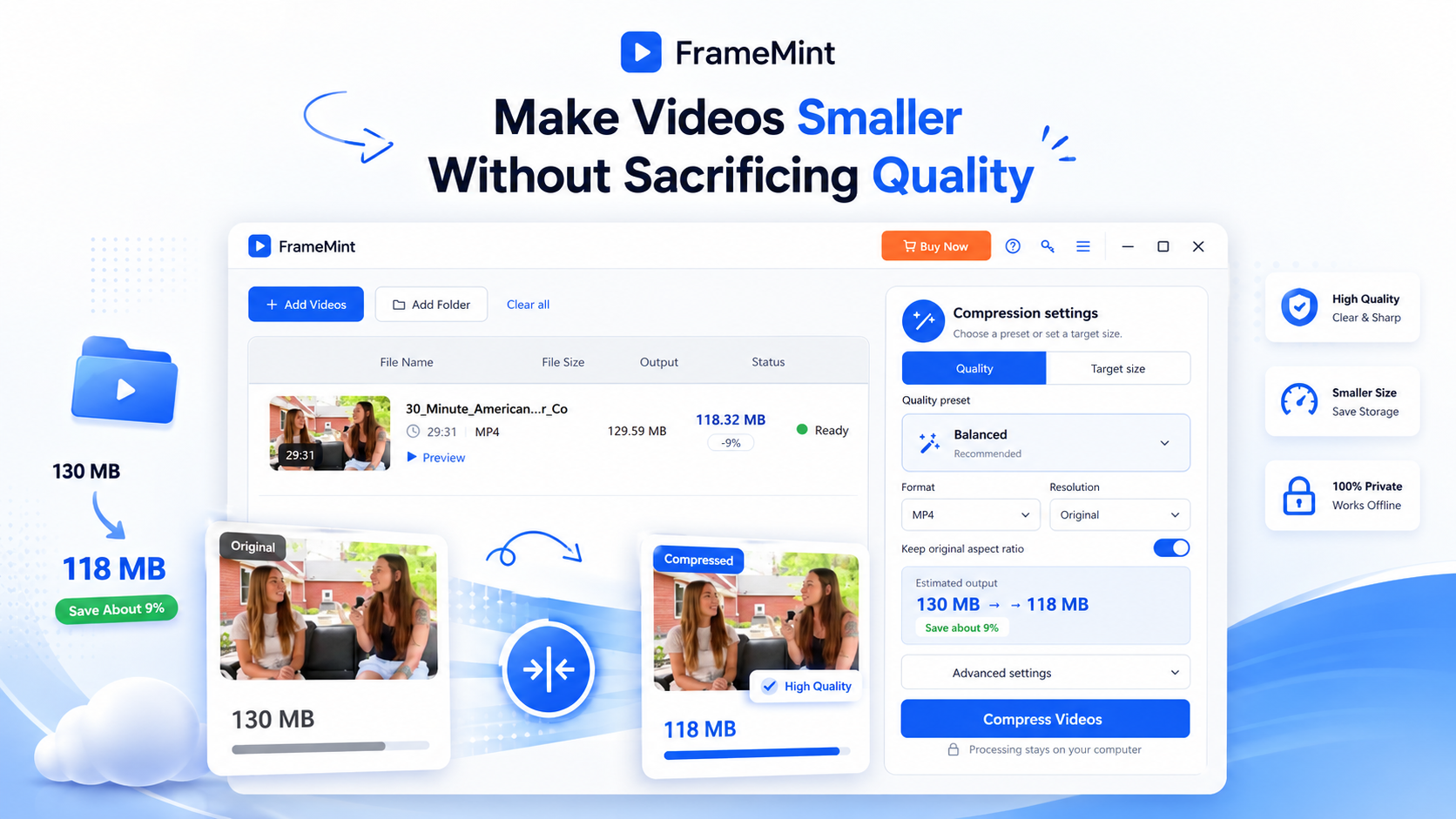
FrameMint Pro is a simple yet powerful video compressor that helps you dramatically reduce video file size while keeping your videos clear and watchable. Choose a quality preset or set the exact file size you need, then let FrameMint handle the compression for you. Whether you need smaller videos for email, sharing, uploading, or saving disk space, FrameMint makes video compression fast and effortless.


UUByte FrameMint

Reduce Video Size without Quality Loss

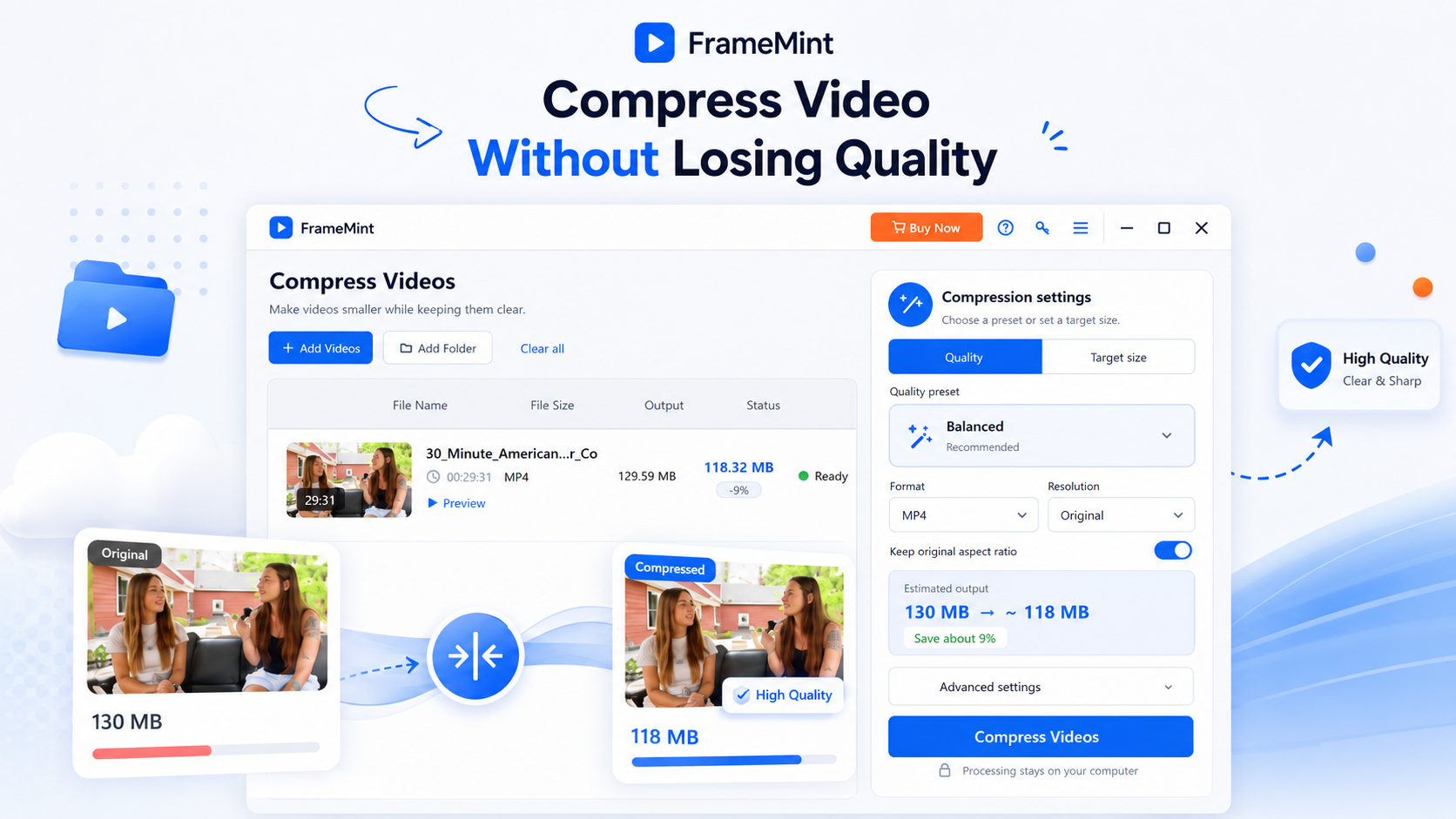
Large video files don't always need to stay large. FrameMint intelligently compresses your videos to reduce file size while maintaining the best possible visual quality. Simply add your video, choose a quality preset, and FrameMint automatically finds an effective balance between file size and video quality.
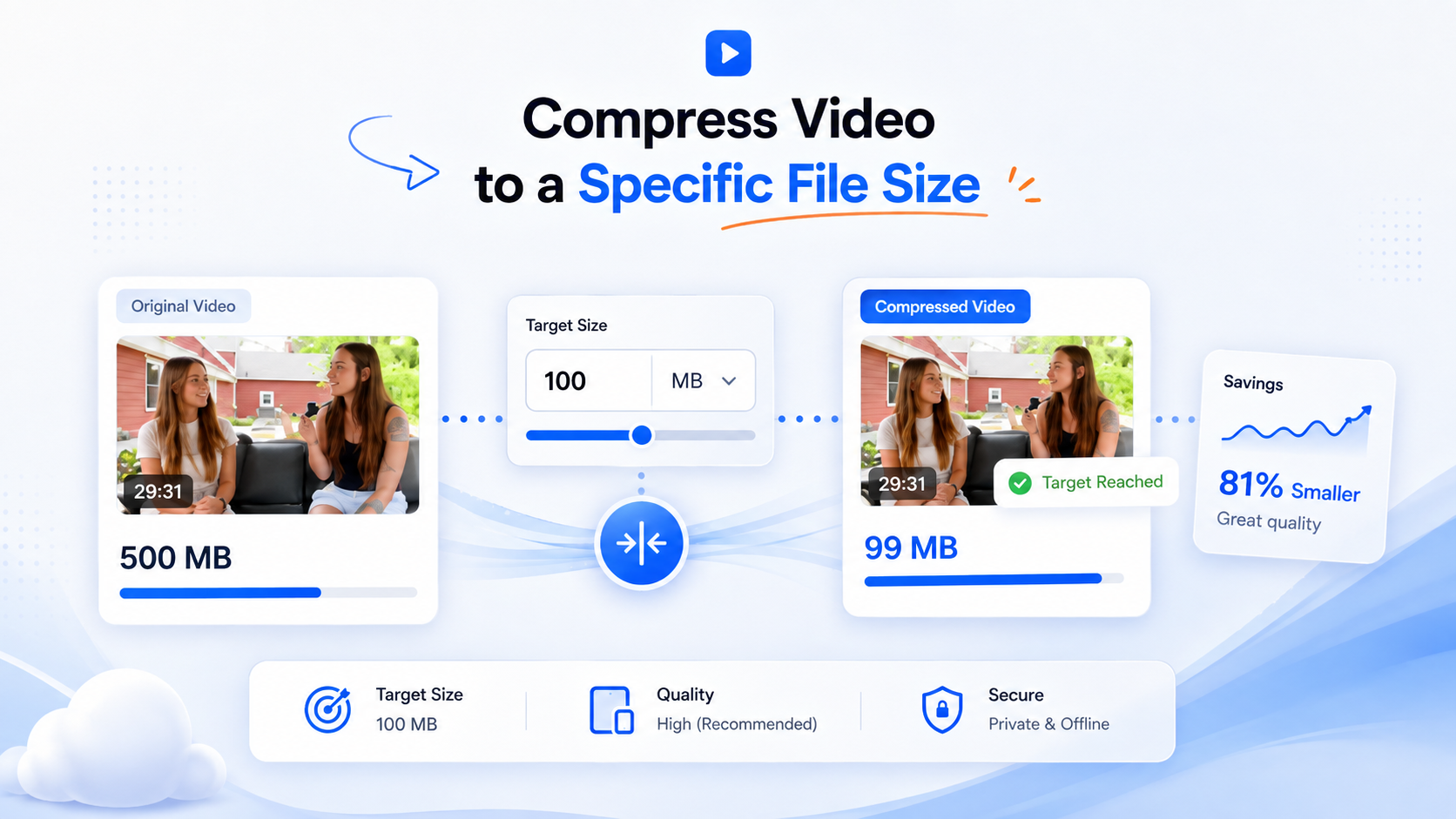


Compress Video to a Specific File Size

Enter the size you want and FrameMint automatically adjusts the compression settings to get the output as close to your target as possible. It's especially useful when you need to compress a large video to meet a specific file-size requirement.


UUByte FrameMint


UUByte FrameMint

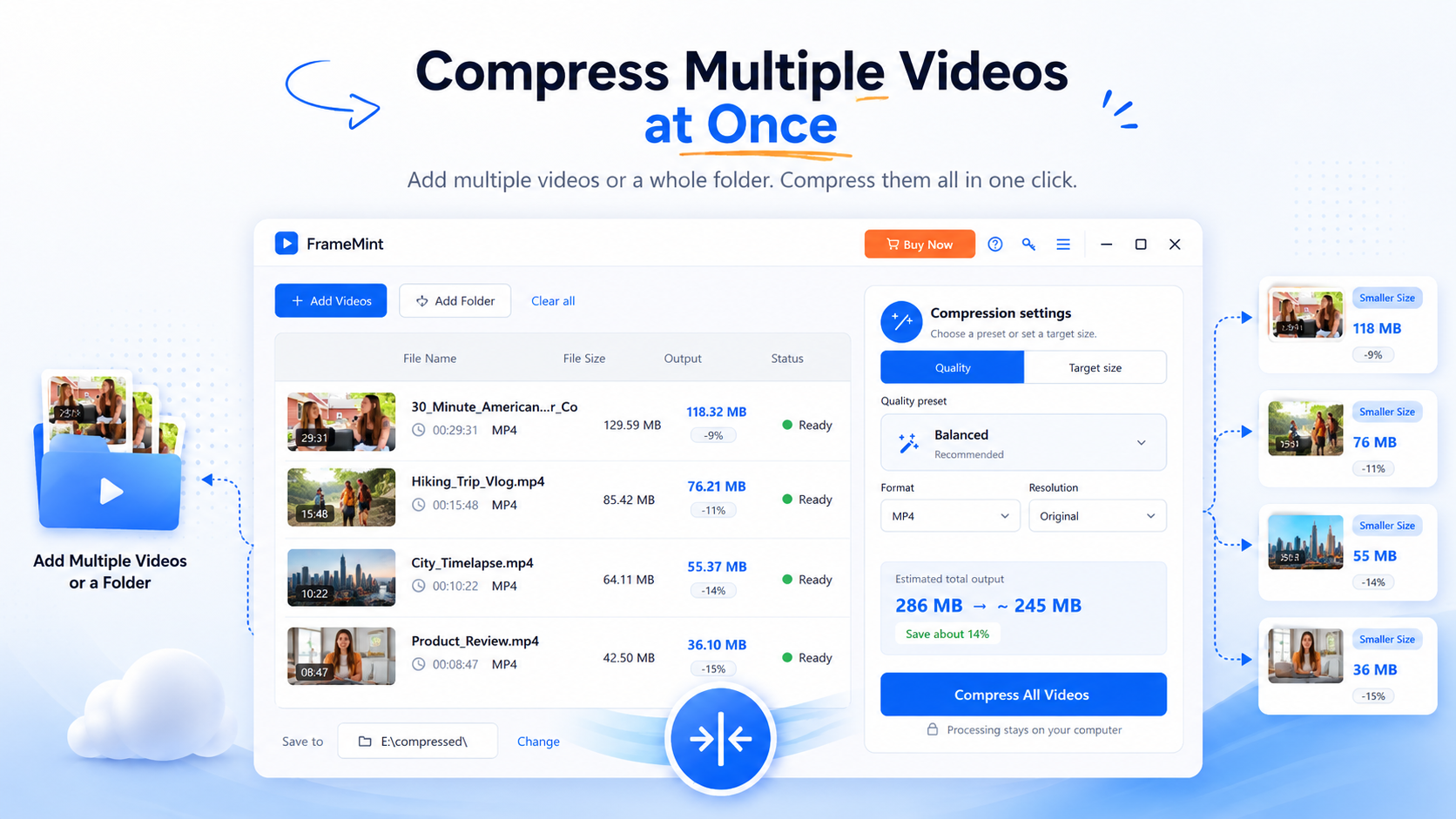
Support Bulk Compression

Compressing videos one by one can take a lot of unnecessary time. FrameMint supports adding individual videos as well as entire folders, making it easy to process multiple videos together. Just add your files, select the compression settings you want, choose an output folder, and start compression.


Flexible Video Compression Settings

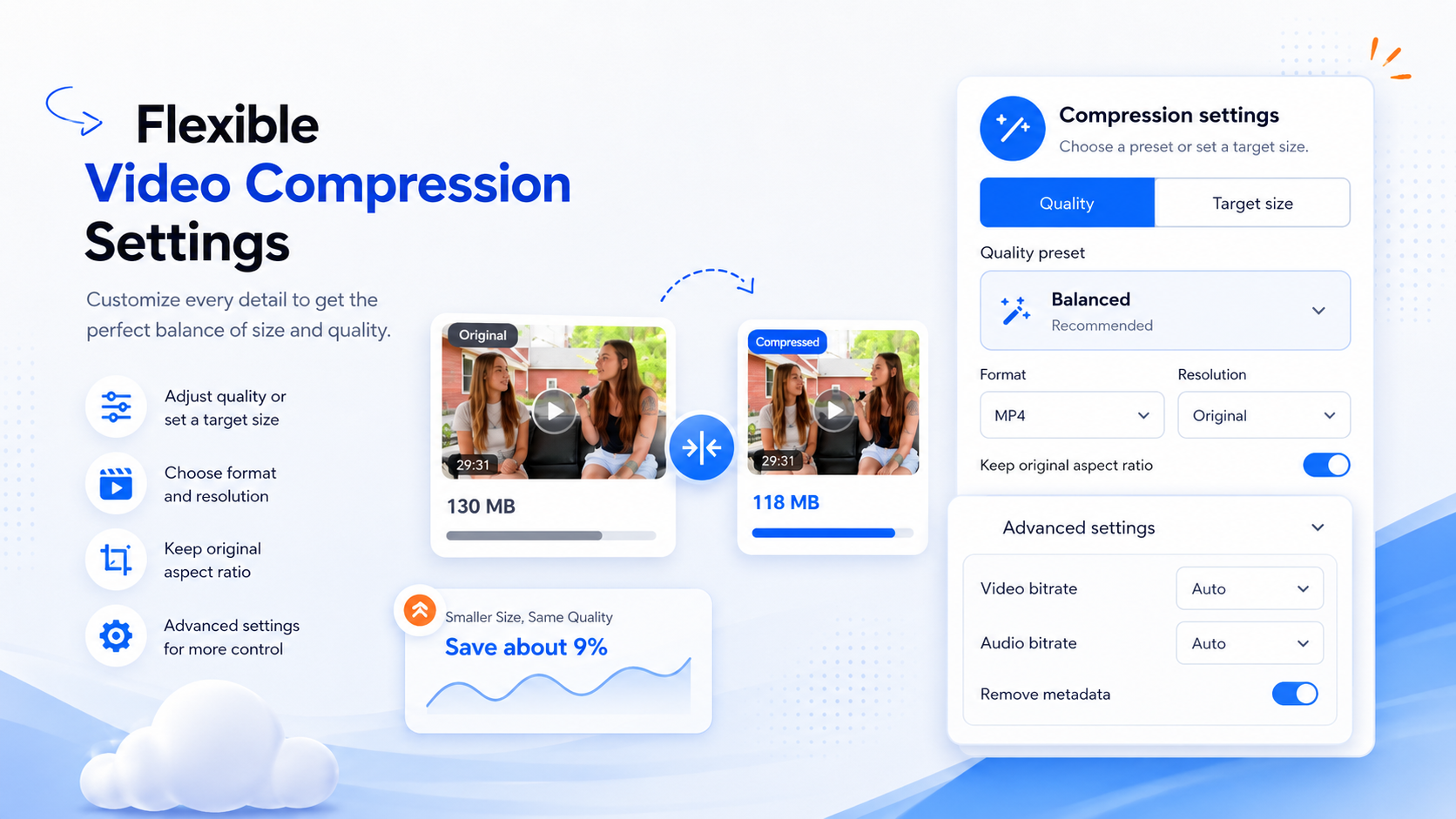
Want more control over the final video? FrameMint lets you customize important output settings such as format, resolution, aspect ratio, and compression quality before processing your videos.Beginners can simply use the recommended preset, while more experienced users can open Advanced Settings for additional control.


UUByte FrameMint

Explore More Features

Show Estimated File Size

Estimates the compressed file size before you start, so you can immediately see approximately how much space you'll save.

Keep the Original Video Aspect Ratio

Maintain the original proportions of your video during compression to avoid unwanted stretching or distortion.

Videos Stay Private on Your Computer

Your videos are processed directly on your computer instead of being uploaded to an online compression service.

Customer Review

8 Reviews

More Reviews