
A Smart Way to Make Windows Running Faster

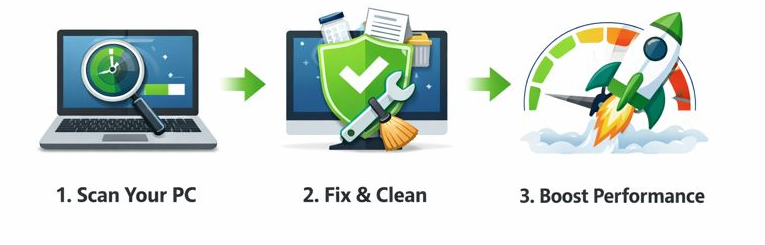
CleanMate gives you full control to refresh and maintain peak performance when youe computer becomes sluggish, cluttered or just outdated. This powerful PC cleaning software offers a simple and effective way to keep your Windows PC clean, fast, and well-organized by removing unnecessary files, managing startup programs, and optimizing system performance with just a few clicks.


UUByte CleanMate Junk Clean

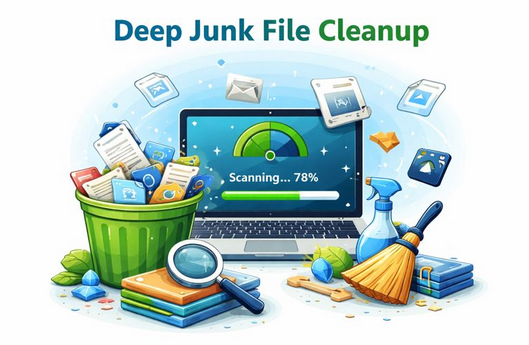
Deep Junk File Cleanup

The Junk Cleaner in UUByte CleanMate scans your system for unnecessary files such as temporary files, log files, image thumbnails, Windows update leftovers, and system or app caches. By safely removing this accumulated clutter, it helps free up valuable disk space and keeps your Windows PC running smoother and more efficiently without affecting important system data.




Comprehensive Browser Cleanup

The browser cleaner feature clears cached files, cookies, browsing history, download records, and saved form data from your web browsers. By removing these traces, it helps protect your privacy, reduce browser-related clutter, and improve overall browsing performance while keeping your personal data under control.


UUByte CleanMate Browser Clean


UUByte CleanMate Registry Clean

Safe & Smart Registry Cleaning

The Registry Cleaner feature in UUByte CleanMate scans for invalid, obsolete, and broken registry entries that can slow down or destabilize your system. Before any cleanup is performed, it automatically creates a full registry backup, ensuring you can restore everything if needed while keeping your Windows PC stable, responsive, and optimized.


Disable Startup Apps in One Click

Ttake full control of the programs that run when Windows starts. By identifying and disabling unnecessary startup apps, it helps reduce boot time, lower background resource usage, and ensure your PC starts faster and runs more smoothly every day.


UUByte CleanMate Disable Autostart Apps

Explore More Features

Find and Delete Large Files

Quickly scan the large files and free to delete for getting more free space.

Comfirm before Cleaning

For maxium safety, you will be asked for confirmation before the cleanup task gets started.

Support All Windows Versions

Excellent support for different Windows versions, including Windows 11 and Windows 10/8/7.

Customer Review

9 Reviews

More Reviews