
Record Your Screen, Audio & Webcam in One Click

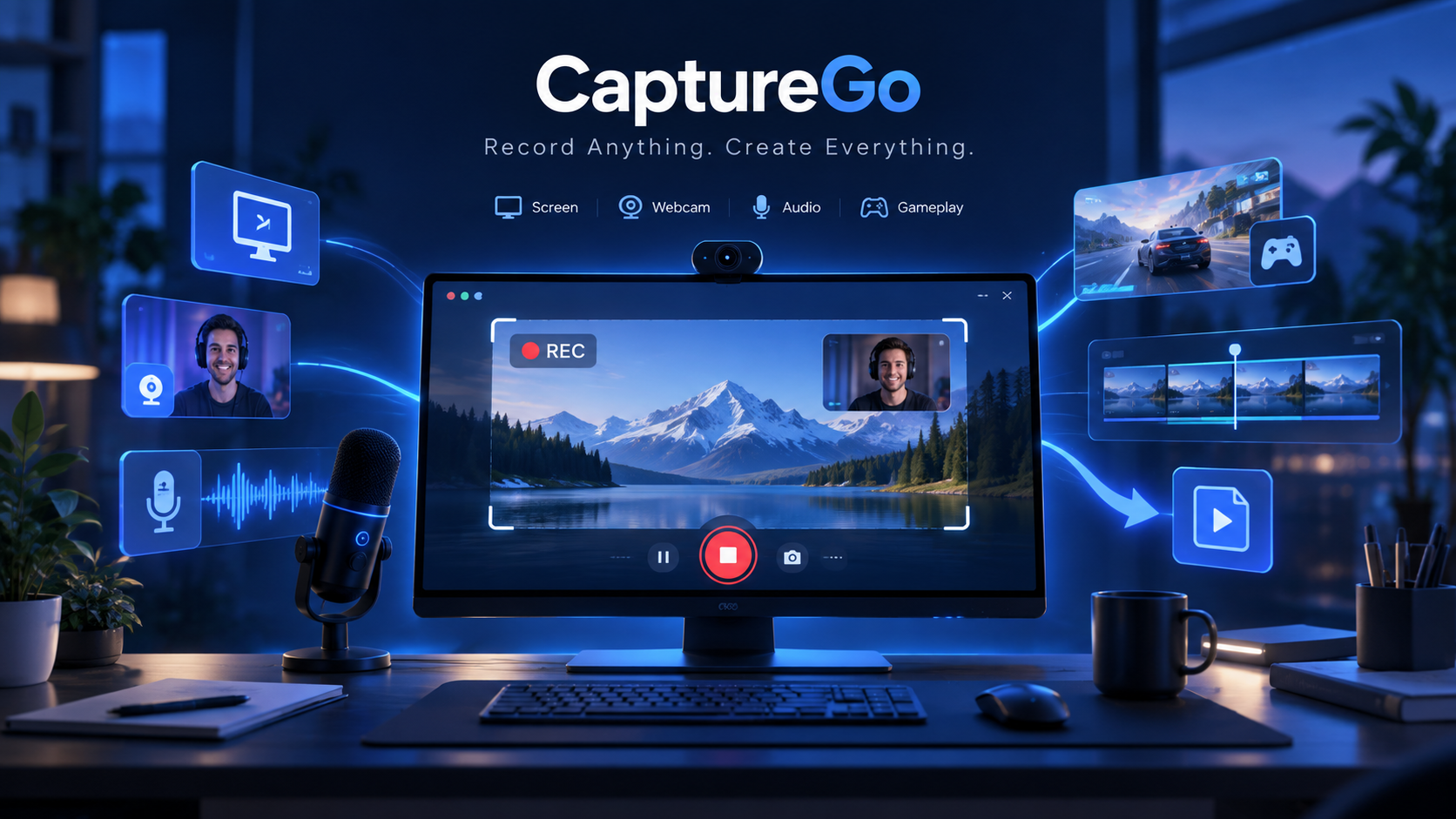
CaptureGo brings screen recording, system audio, microphone, webcam and game capture into one easy desktop app. Record the full screen, a custom area, a specific window, gameplay or audio only, then preview and manage your recordings without switching between multiple tools.


UUByte CaptureGo

Flexible Recording for Screen, Window, Audio & Games

CaptureGo is built for different recording tasks, not just basic full-screen capture. Choose full screen or a custom area, record a specific app window, switch to audio-only mode, or use dedicated game recording when you need smoother capture for fast-moving content. Speaker, microphone and webcam controls stay within easy reach so you can build the exact recording setup you need.



Add a Webcam Overlay That Fits Your Video

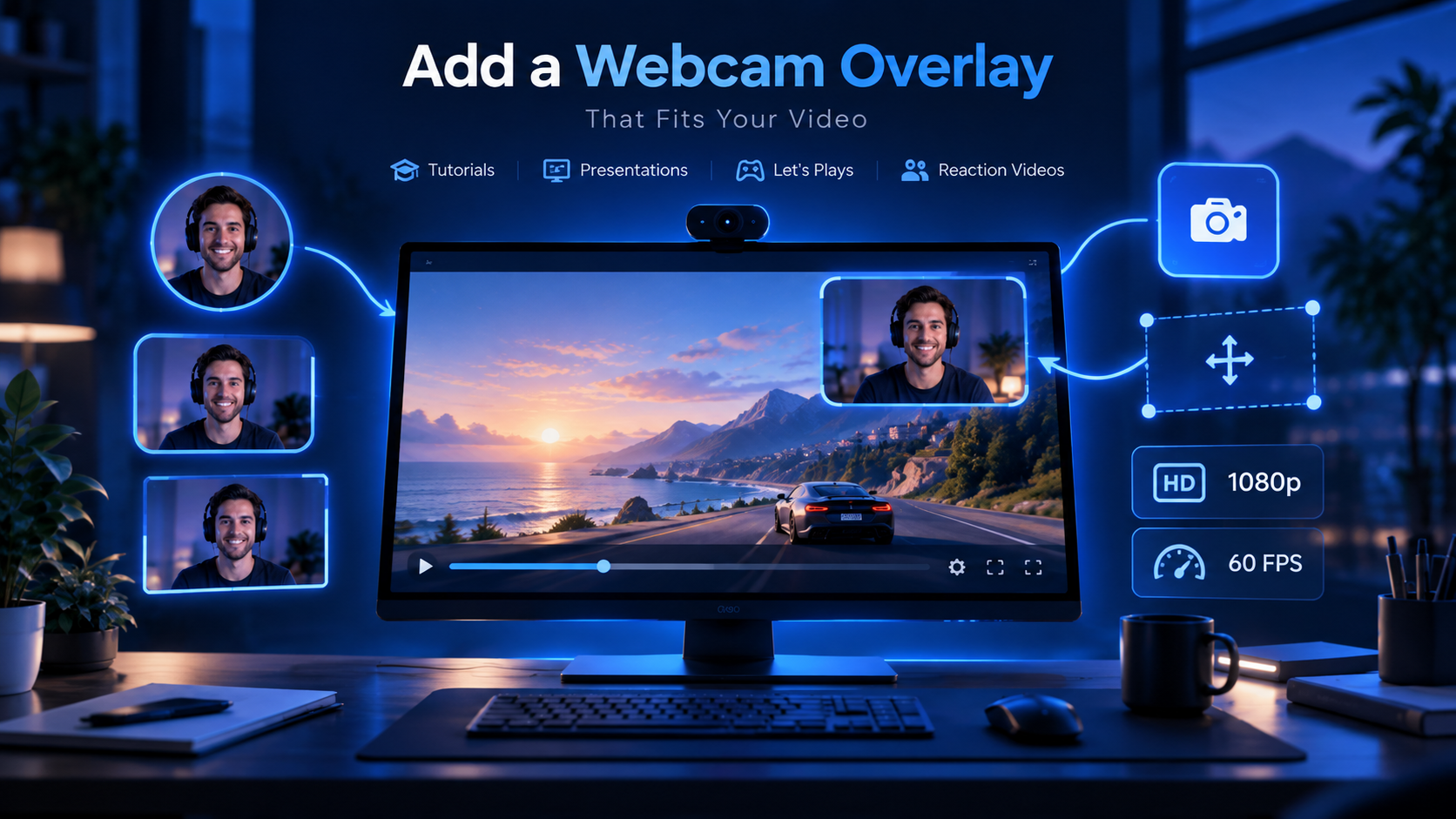
Turn on your webcam when recording tutorials, online classes, presentations, demos or reaction videos. CaptureGo lets you choose the camera, set video quality and frame rate, switch between round, rounded-rectangle and rectangle shapes, place the camera overlay around the screen, resize it, and mirror the preview when needed. It is an easy way to keep both your screen and your face visible in one recording.


UUByte CaptureGo


UUByte CaptureGo

Make Every Click Easy to Follow

For software demos and how-to videos, the mouse pointer matters. CaptureGo can highlight the cursor with your preferred color, size and transparency, while click animations make left-click and right-click actions easier for viewers to notice. These visual cues help people follow your steps without adding effects later in another editor.


Preview, Edit & Manage Recordings in One Place

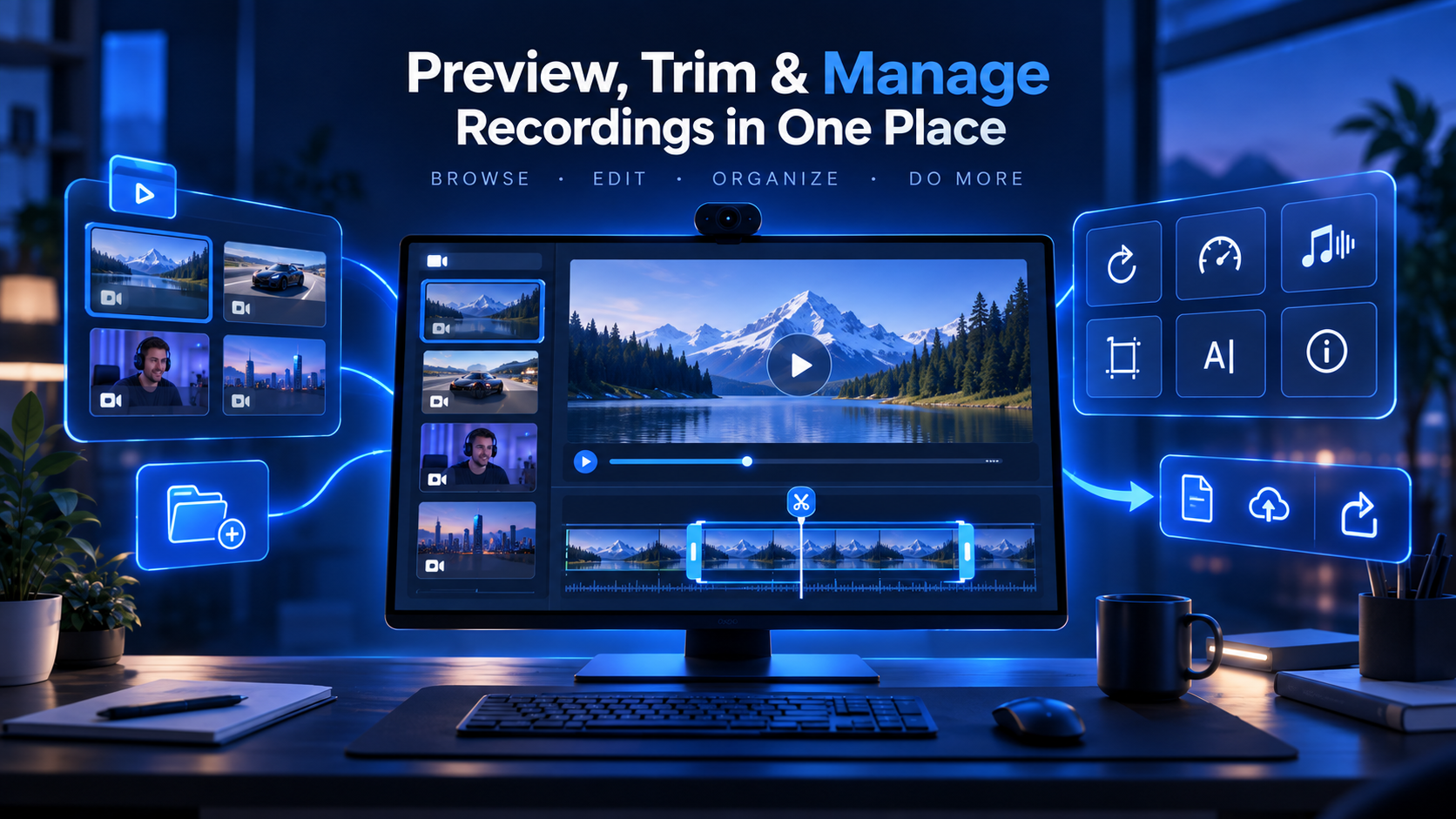
Finished recording does not mean you need to open a separate media tool. CaptureGo includes a media library where you can preview recorded video and audio, trim unwanted parts, split clips, grab screenshots, mute sound and undo edits. More options let you rotate or flip video, adjust playback speed or volume, extract audio, save in another format, rename files and check file information before sharing or archiving your work.


UUByte CaptureGo

Explore More Features

GPU-Accelerated Recording

GPU acceleration available to help keep capture smooth and responsive.

Smart Recording Controls

Support watermark, automatic splitting, automatic stop and scheduled recording

Customizable Hotkeys

Set shortcuts for start/stop, pause/resume and screenshots

Customer Review

8 Reviews

More Reviews