Capture Exactly What You Need

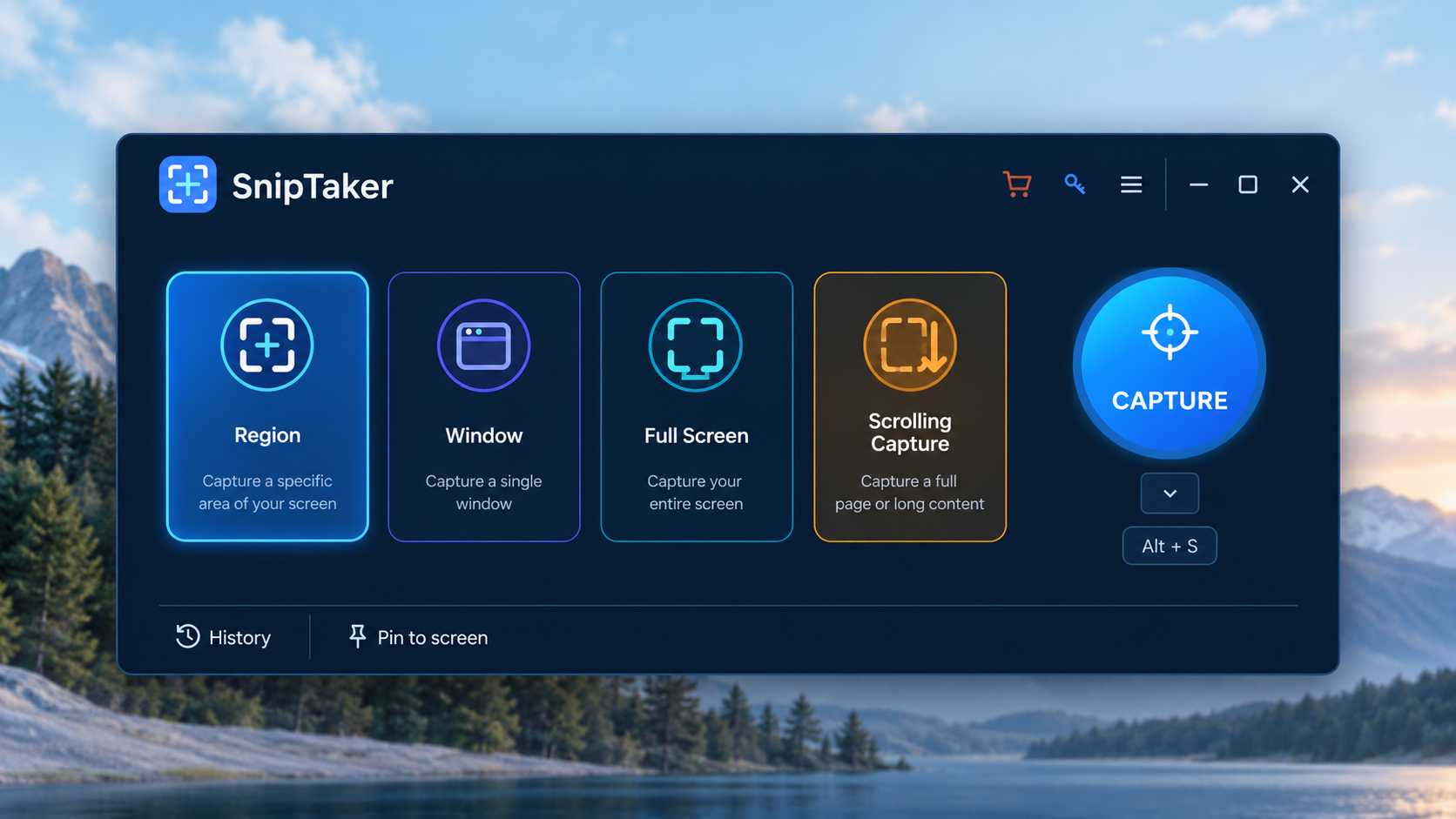
SnipTaker is an easy yet powerful screenshot tool that helps you capture exactly what you need without interrupting your workflow. Grab a selected region, an application window, the entire screen, or even a long scrolling page with just a click. Select Region to grab a custom area, Window to capture an individual application, or Full Screen when you need everything currently displayed on your monitor.


UUByte Sniptaker

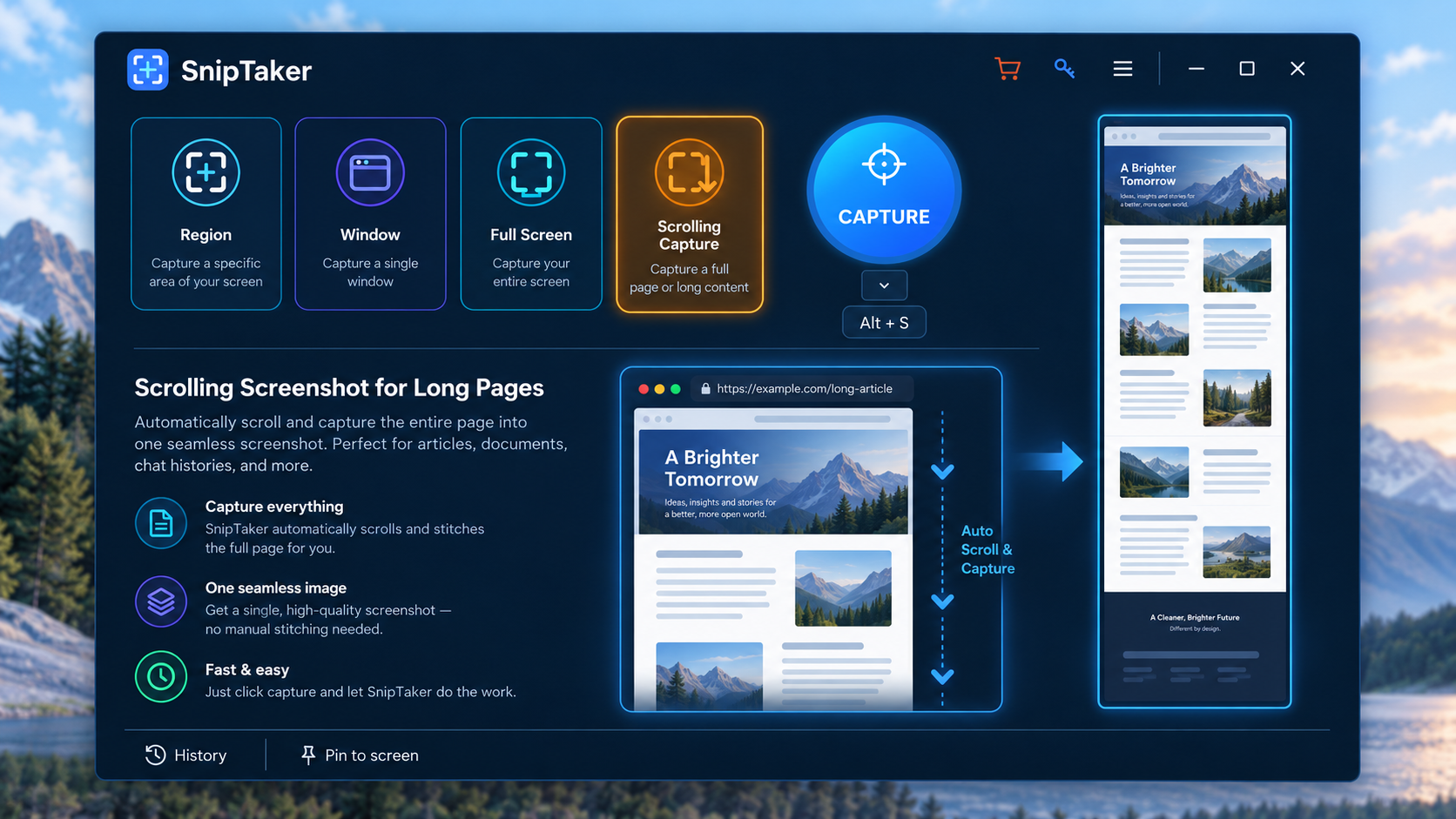
Scrolling Screenshot for Long Pages

The scrolling capture automatically captures content as the page scrolls and combines it into one continuous screenshot. You no longer need to take multiple screenshots and manually stitch them together.

It is especially useful for long webpages, online articles, reports, chat conversations, software documentation and other vertically scrolling content.
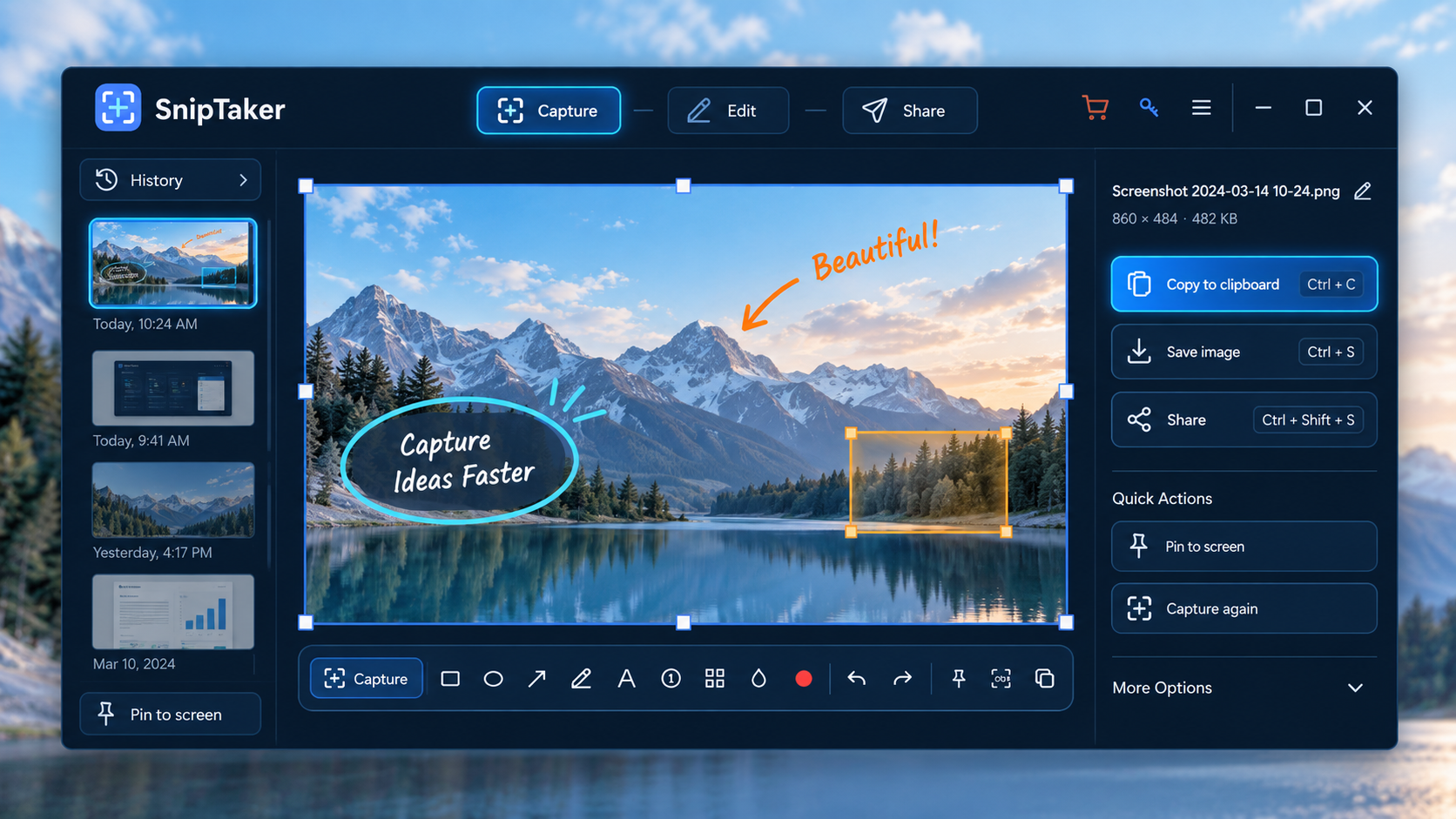


Annotate Screenshots Immediately

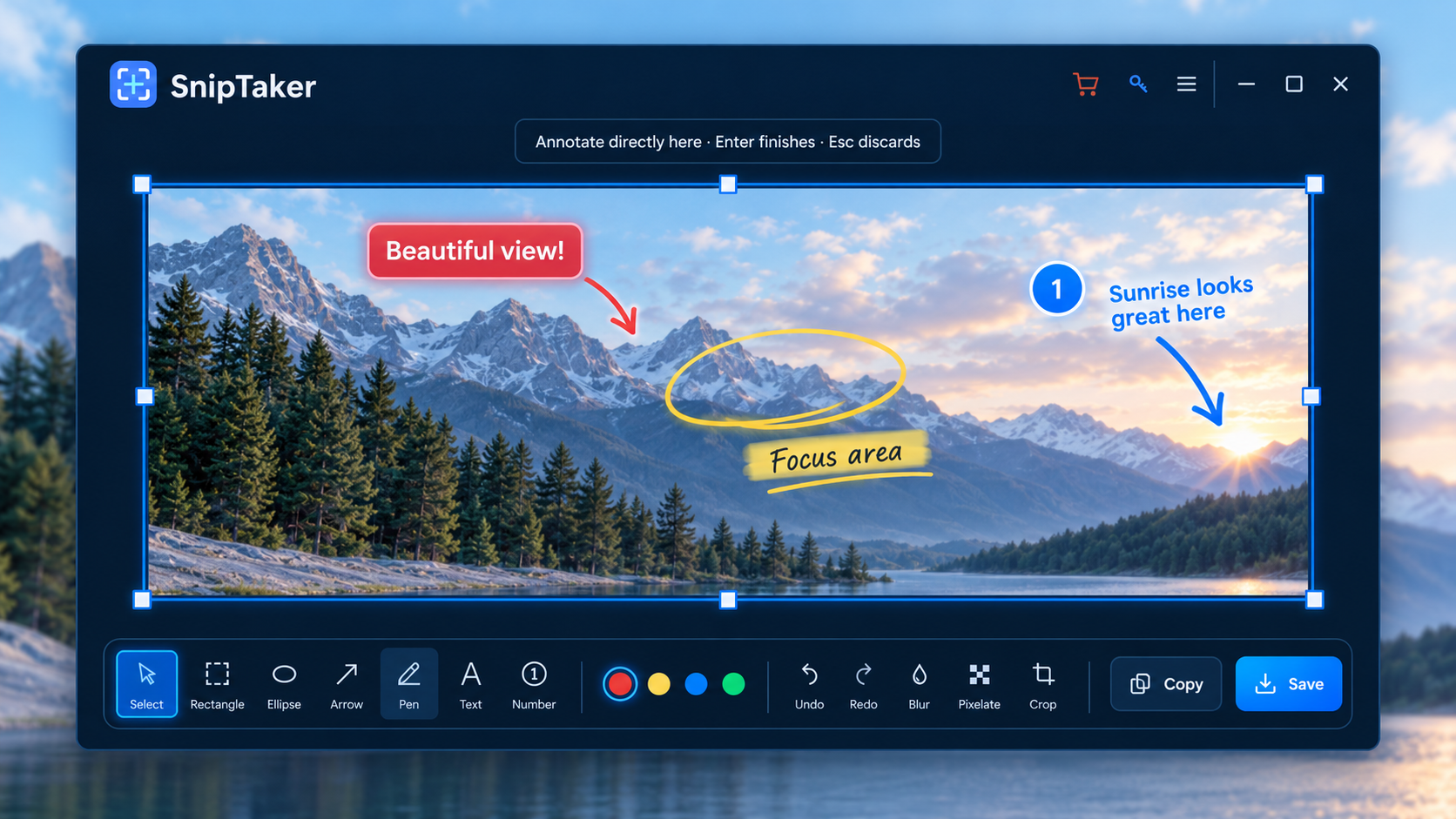
SnipTaker lets you annotate the image immediately after capturing it, so there is no need to open another image editor.

Add rectangles, circles, arrows, freehand drawings, text, numbered markers and other visual elements to draw attention to important information. You can quickly highlight a button, point out an error message, explain a workflow or mark something for a colleague.


UUByte Sniptaker


UUByte Sniptaker

Capture, Edit and Share Without Breaking Your Workflow

SnipTaker is designed to keep the entire screenshot workflow in one place. Once a capture is finished, you can immediately edit it and then copy or save the result without jumping between different applications. Frequently used screenshots can also be pinned to the screen, keeping important information visible while you continue working. Screenshot history makes it easier to return to recent captures without starting over.


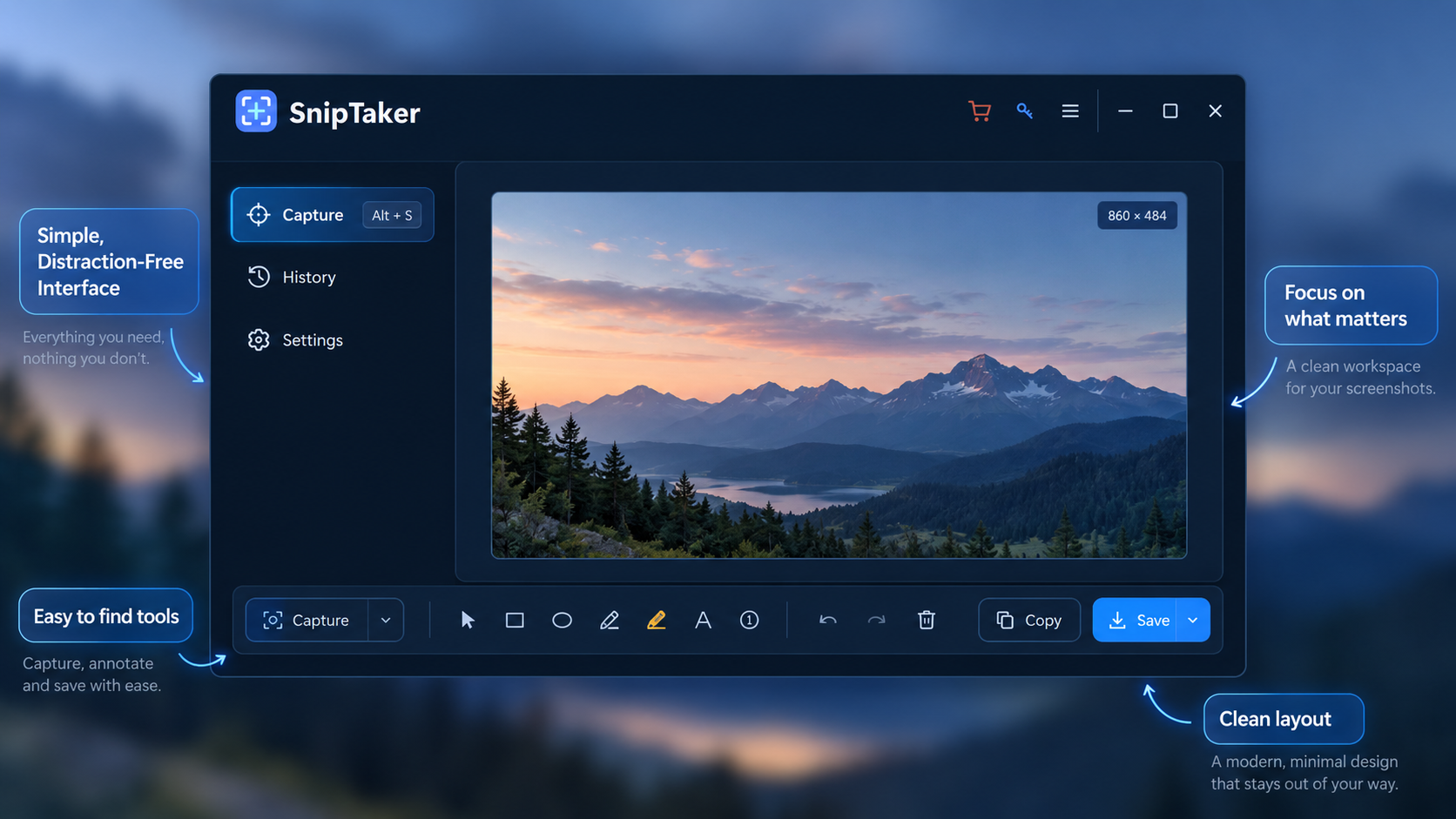
Simple, Distraction-Free Interface

All important capture tools are clearly organized in one window. There are no complicated menus to learn, making SnipTaker approachable for beginners while still providing useful tools for frequent screenshot users.


UUByte Sniptaker

Explore More Features

Pin Screenshot

Keep an important screenshot floating above windows while you work.

Automatical Copy to Clipboard

Copy the screenshot to clipboard automatically when screenshot is done.

One-Click Capture Shortcut

Start a screenshot quickly with the convenient capture button or keyboard shortcut.

Customer Review

7 Reviews

More Reviews