
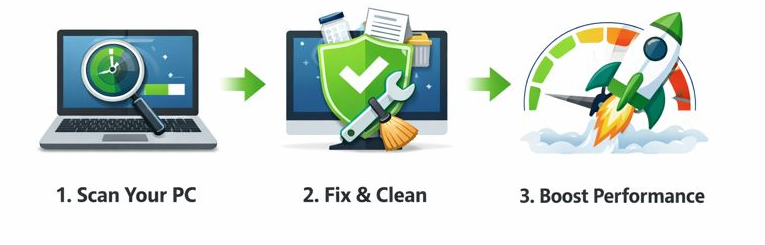

A Smart Way to Make Mac Running Faster

CleanMate gives you full control to refresh and maintain peak performance when your computer becomes sluggish, cluttered or just outdated. This powerful Mac cleaning software offers a simple and effective way to keep your Mac clean, fast, and well-organized by removing unnecessary files, managing startup programs, and optimizing system performance with just a few clicks.


UUByte CleanMate Junk Clean

Deep Junk File Cleanup

The Junk Cleaner in UUByte CleanMate scans your system for unnecessary files such as temporary files, log files, image thumbnails, Windows update leftovers, and system or app caches. By safely removing this accumulated clutter, it helps free up valuable disk space and keeps your Mac running smoother and more efficiently without affecting important system data.




Comprehensive Browser Cleanup

The browser cleaner feature clears cached files, cookies, browsing history, download records, and saved form data from your web browsers. By removing these traces, it helps protect your privacy, reduce browser-related clutter, and improve overall browsing performance while keeping your personal data under control.


UUByte CleanMate Browser Clean


UUByte CleanMate Registry Clean

Uninstall Stubborn Apps in Bulk

The built-in app uninstaller is a huge life saver when it comes to deleting apps from macOS. It will permanently remove all leftover files, including app caches, app temporary and junk files from the Mac. You can also uninstall multiple apps at one time.


Disable Startup Apps in One Click

Ttake full control of the programs that run when macOS starts. By identifying and disabling unnecessary startup apps, it helps reduce boot time, lower background resource usage, and ensure your PC starts faster and runs more smoothly every day.


UUByte CleanMate Disable Autostart Apps

Explore More Features

Find and Delete Large Files

Quickly scan the large files and free to delete for getting more free space.

Comfirm before Cleaning

For maxium safety, you will be asked for confirmation before the cleanup task gets started.

Support Modern macOS Versions

Excellent support for different macOS versions, including Monterey, Ventura, Sonoma, Sequoia and Tahoe..

Customer Review

9 Reviews

More Reviews